Your Floor, Bills & Players Connected
A visit can include a PC session, a console game, time at a pool table and refreshments. GAMEPOZ connects those activities in a shared management workflow, giving your team a clear place to check availability, review charges and find customer information.
Use station views during a shift, keep gaming time and food on the same bill, and review recorded activity through station and customer insights.
- Station categories, availability, player capacity and hourly rates
- Combined session, food and drink charges on one bill
- Menu search, order quantities and kitchen order actions
- Customer notes, recorded visits and bill history
- Station performance and returning customer activity
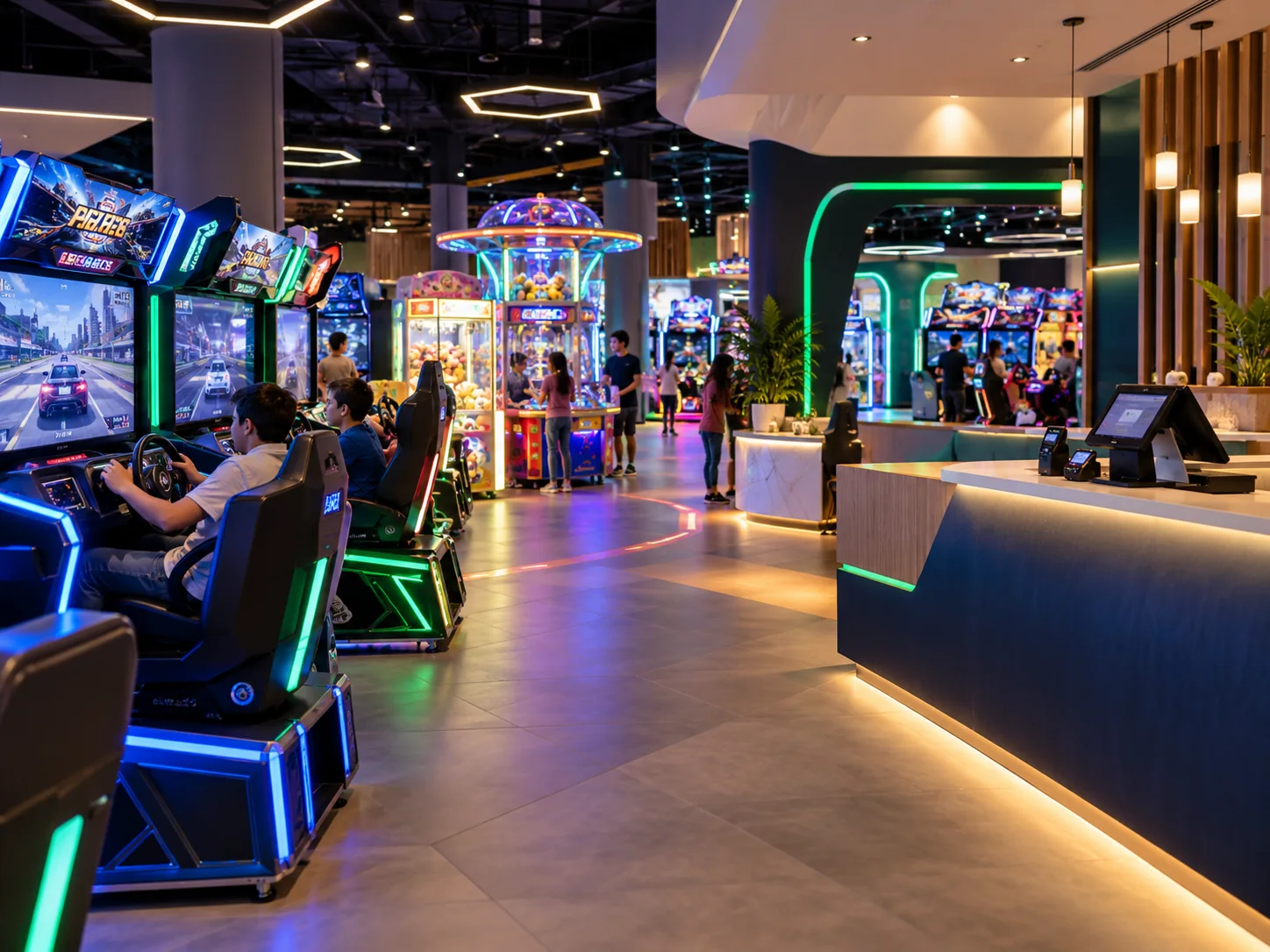
Manage the Visit From Start to Finish
Give the front desk, counter and kitchen a connected workflow, with useful records for the next shift and your next business review.
Station Management
Organise PC, console and cue-sports stations by category. Check availability, maintenance status, player capacity and hourly rates before starting a session.
Connected Billing
Keep gaming sessions, food and drinks on the same bill. Find open bills, review the charges and settle the visit through one billing workflow.
Food & Kitchen Orders
Browse menu categories or search for an item, adjust quantities and send food orders to the kitchen while keeping them attached to the visit.
Customer Records
Search customer profiles and keep relevant notes, recorded activity and previous bills together, so another team member can pick up the customer's context.
Station Insights
Review occupancy, session duration, revenue by station type and busy hours to understand how different parts of your gaming floor are being used.
Customer Insights
Explore recorded visits, visit frequency, new and returning customers, and peak visiting periods across the period you want to review.

Understand How Your Floor Performs
Use Station Insights to review the floor, then Customer Insights to understand recorded visitor activity. Choose a reporting period and compare the patterns that matter to your venue.
- Occupancy and session duration across station types
- Revenue by station type and busy hours
- New and returning customer activity
- Recorded visits, visit frequency and peak visiting periods
- Customer profiles for the detail behind a recorded visit
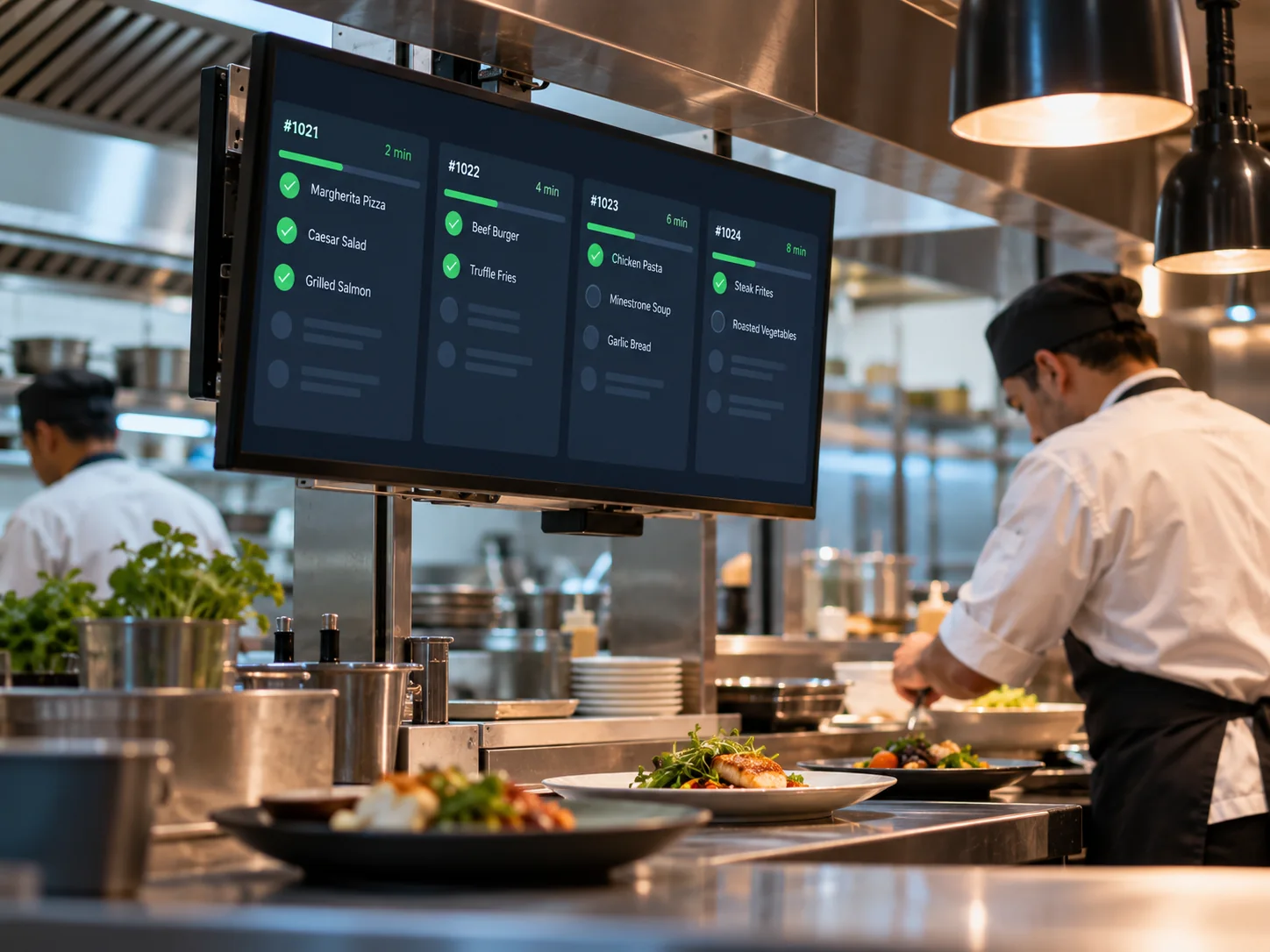
Keep Game Time & Refreshments On One Bill
Players can order a drink or a meal between games. GAMEPOZ keeps those orders with the session, giving your team one place to review the visit before settlement.
- Search open bills and review session charges
- Find food and drinks through menu categories or search
- Adjust item quantities as orders are taken
- Send relevant food items to the kitchen
- Review the full bill before completing settlement
From the First Game to the Final Bill
Choose a Station
Check the relevant category, availability, capacity and rate, then start the player's session.
Add Refreshments
Find the visit's bill, choose menu items, adjust quantities and send food orders to the kitchen.
Review & Settle
Check session charges alongside food and drinks, then settle the bill when the visit is complete.
Review the Activity
Use customer history and station insights to understand recorded visits and floor performance.
Built Around Different Ways to Play
About GAMEPOZ
GAMEPOZ's published workflows cover PC gaming centers, console lounges, gaming cafés and cue-sports venues such as pool and snooker halls, including food and beverage service alongside play.
Yes. Session charges and menu items stay connected to the visit. Your team can search open bills, review food and drink quantities, send kitchen orders and check the complete bill before settlement.
Station Insights covers occupancy, session duration, revenue by station type and busy hours. Customer Insights covers recorded visits, frequency, new and returning customers, and peak visiting periods.
No. The website preview is an interactive illustration with fictional example data. Its tabs and filters let you explore the workflow without changing real venue records. Explore the GAMEPOZ preview .
Take a Closer Look at GAMEPOZ
Explore the platform, feature details and example workflows for your game center.